Law firms · Intake · Dashboard
Legal Operations Hub
Client enquiries are saved to a database, summarised by AI and sent to the right practice-area team by Gmail, with a live dashboard.
The problem
A law firm receives enquiries that must reach the right lawyer quickly. Reading each one, saving the details and telling the right team by hand is slow, and an enquiry can wait too long.
The solution
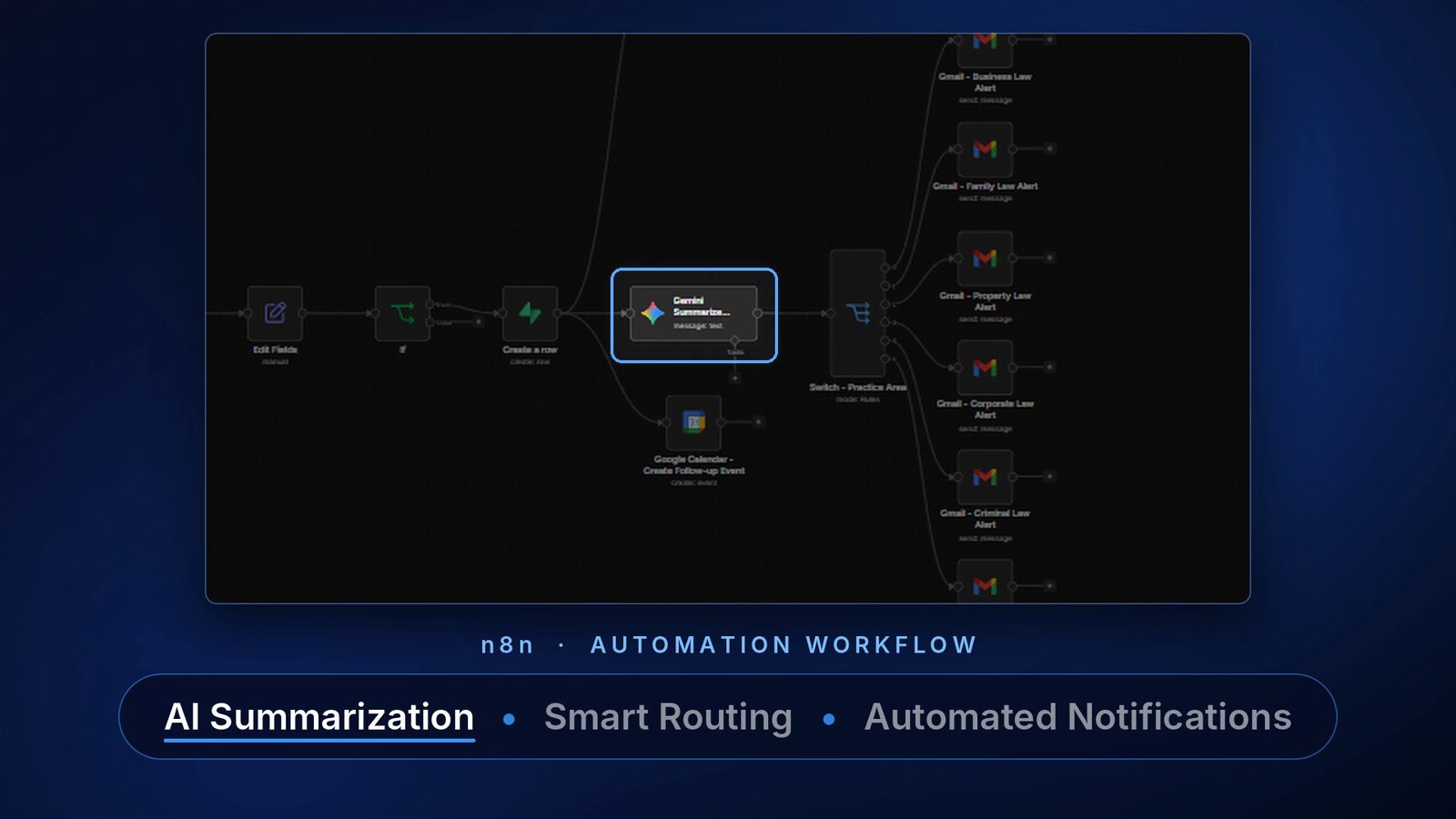
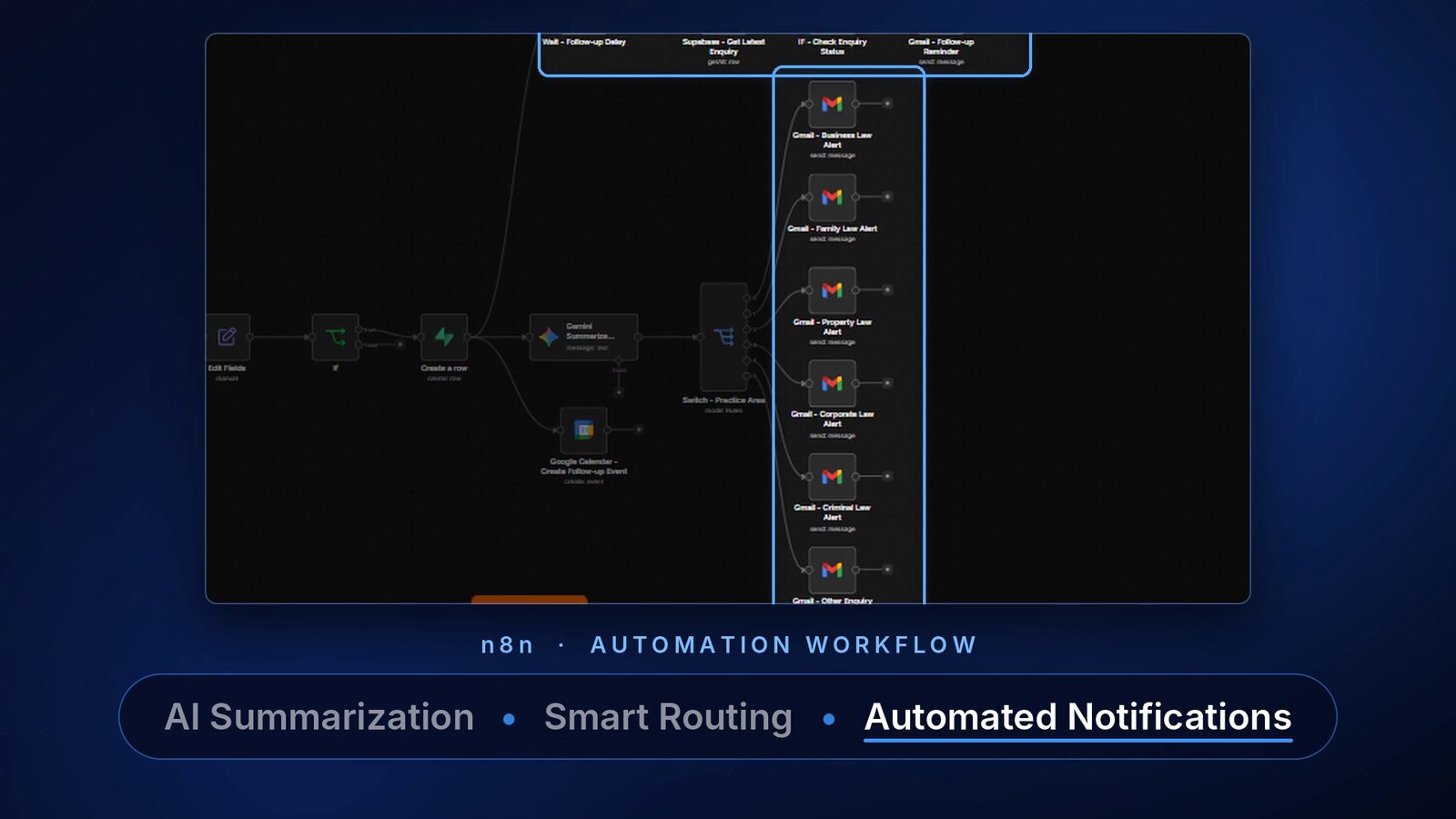
When a new enquiry arrives, the workflow saves it in a Supabase database. Gemini writes a short summary, and a switch sends a Gmail alert to the right practice area: business, family, property, corporate or criminal law. A follow-up event is created in Google Calendar. A Lovable dashboard shows the totals and a breakdown by practice area.
How it works
- An enquiry comes inThe workflow prepares the fields and checks that the enquiry is valid.
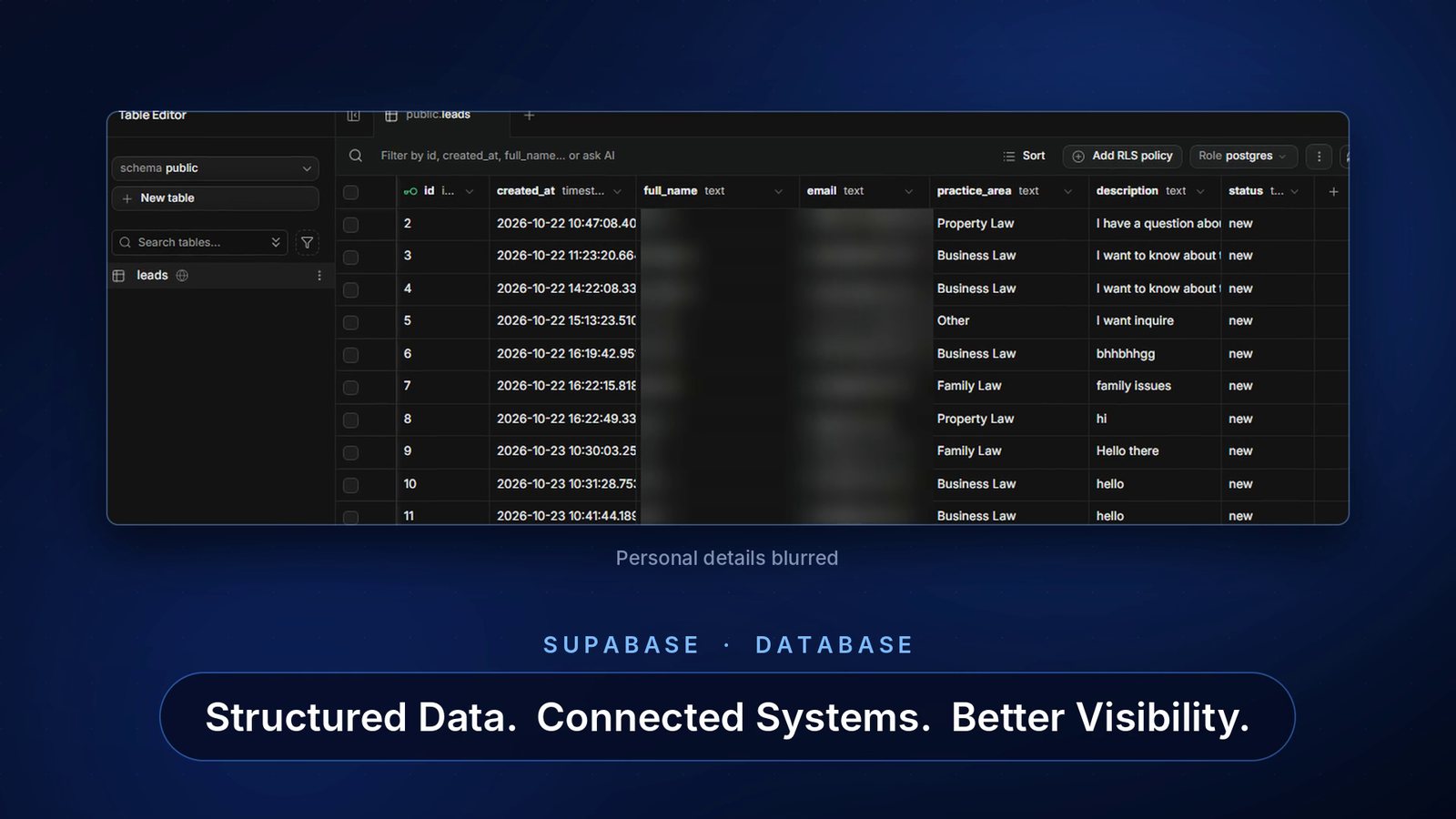
- It is saved in SupabaseA new row is created in the leads table, so every enquiry is recorded.
- AI writes a summaryGemini reads the enquiry and writes a short summary for the team.
- It goes to the right teamA switch node picks the practice area and sends the alert by Gmail to that team.
- A follow-up is plannedThe workflow creates a follow-up event in Google Calendar. A separate branch waits, checks the enquiry status and can send a reminder.
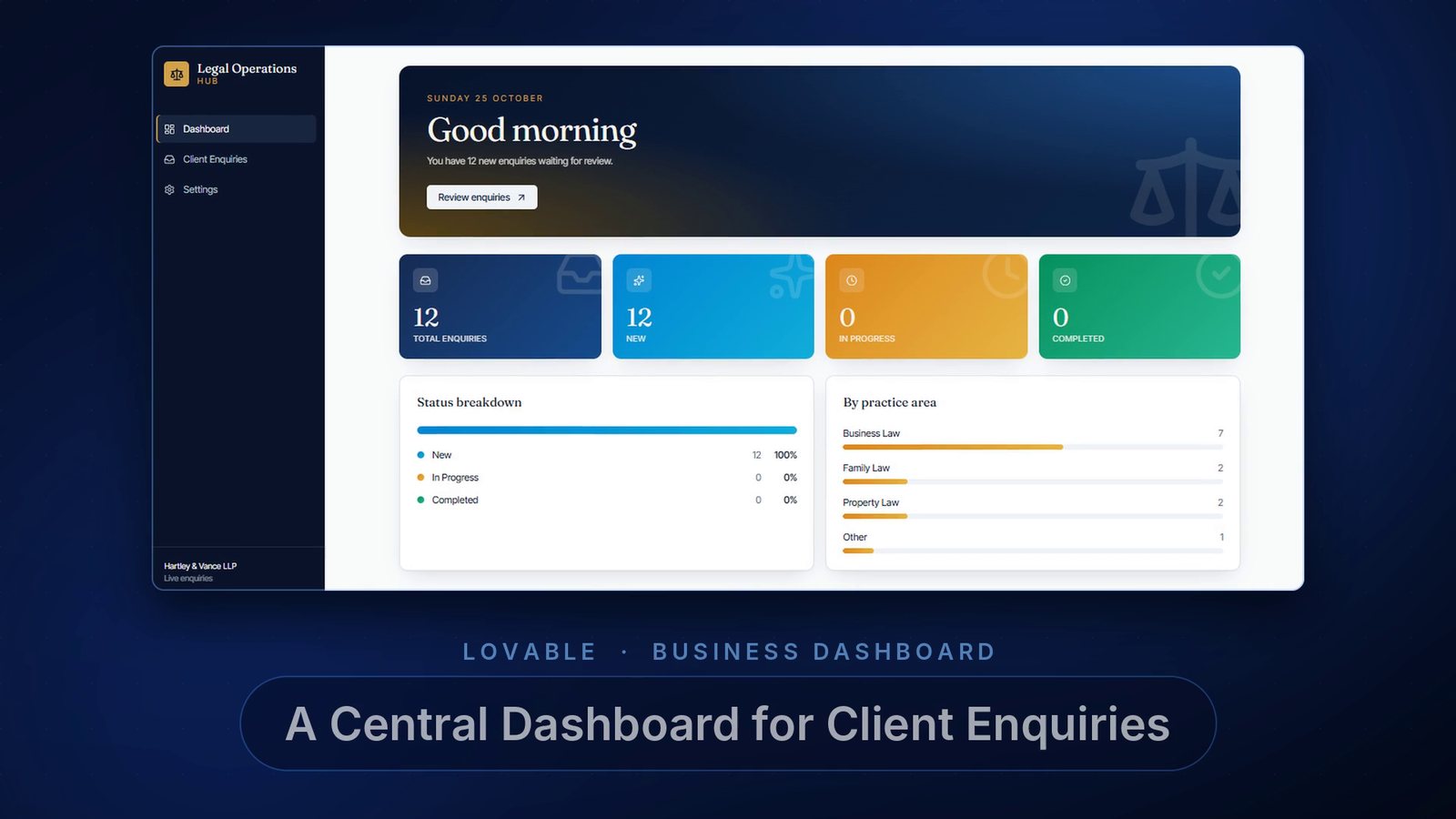
- The dashboard updatesThe Lovable dashboard shows total, new, in-progress and completed enquiries, and a count by practice area.
See it working
Test enquiries only. The enquiries in this demo are test data, personal details are blurred, and the firm name on the dashboard is a sample.
What the demo shows
- The dashboard with 12 test enquiries and a count for each practice area.
- The n8n workflow with its AI summary, routing and notification steps.
- The Supabase leads table with practice area, description and status.
- Why a database is useful: the data stays in one place and the dashboard reads from it.
A good fit for
- Law firms and legal teams
- Clinics, agencies and consultants with several teams
- Any business that sorts enquiries by type
- Owners who want one dashboard for incoming work
Want something like this for your business?
Tell me what slows your team down. I will tell you whether it can be automated and how it would work.
mujtaba078123@gmail.com · Karachi, Pakistan (UTC+5)